
A record when the device arrives
Link the customer, device, reported fault, accessories and condition. The IMEI or serial number and RMA reference help identify the job.
Record what the customer hands over and follow every stage with one job record, a clear quote and a readable history.
Link the customer, device, reported fault, accessories and condition. The IMEI or serial number and RMA reference help identify the job.
Record the diagnosis, labour and spare parts. Record the customer’s decision before starting work; changes to an accepted quote require fresh confirmation.
From diagnosis to waiting for parts, from repair to collection. Every change records its date, author and details without automatically creating payments or sales.
Download the device’s PDF receipt and review the history. This is an internal management document, not a tax document; the quote total remains separate from payments received.
Choose spare parts from your shop’s inventory. Stock updates when repair work starts; review movements and reorder alerts. Returning unused parts requires explicit confirmation.
Create a link to share personally with the customer: it shows the device, status and quote without internal notes or device identifiers. You can set its expiry or revoke it.
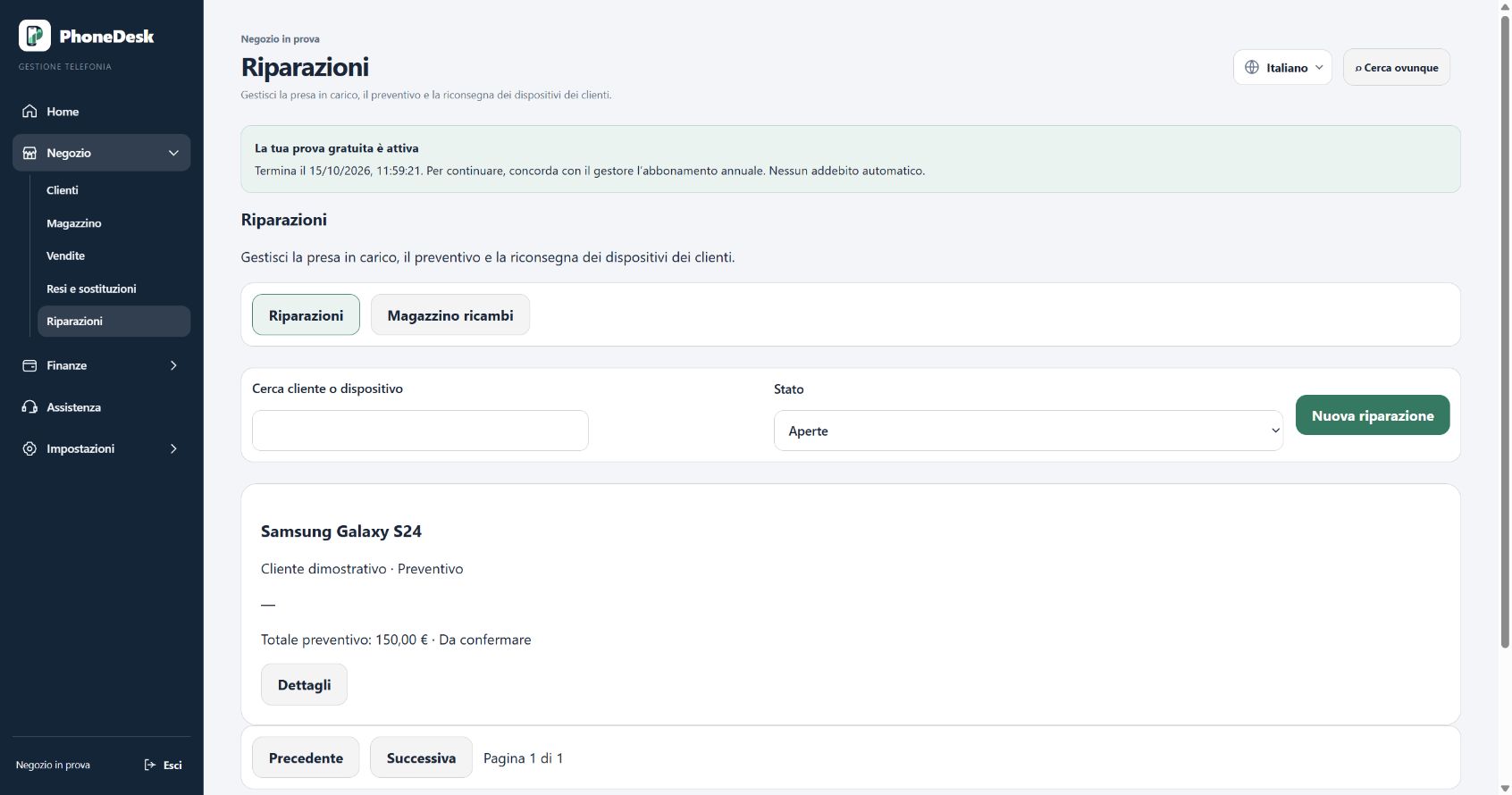
Record the device, customer and condition at handover.
Prepare the diagnosis and quote, then record acceptance.
Update the work through to handback and keep the receipt.
The trial lasts 7 days. No payment is required to get started, and there are no automatic charges.
Start free trial